
Planning something like this? I'll talk it through with you. 30 minutes, no obligation.
The best way to add cookie consent to a Webflow site is Consent Pro Premium, with a banner designed to match your site and every tracking tag and embed connected and tested before launch.
The real job is making sure Reject means nothing optional loads, while tracking services like Google Tag Manager, Analytics, Meta and LinkedIn keep tracking the visitors who accept.
At Spurwing, we set this up for marketing teams for one fixed price, quoted within one working day. Here’s how we do it.
Which cookie consent tool is best for Webflow?
Consent Pro Premium is the best cookie consent tool for Webflow. It’s built inside Webflow, it’s a one-off licence with no traffic limits, and it blocks scripts automatically until visitors agree.
We checked each provider’s prices and features on 19 November 2026 and converted overseas prices into pounds as a guide. Prices cover the software only. Design and implementation are separate.
Spurwing earns a commission if you buy Consent Pro through our link. Scroll sideways to compare the plans.
Both Consent Pro plans include automatic script blocking, Google Consent Mode v2, Google Tag Manager detection, AI tracker categorisation, consent records and human support. Premium costs $249 as a one-off, $50 more than Basic, and adds three things marketing teams use:
- Scheduled scans. Premium re-scans your site weekly, monthly or on dates you choose, so new tools don’t slip through. Basic scans once at setup.
- Consent analytics. See your accept and reject rates, so you know how much of your traffic you can track.
- Geolocation. Show the right banner to visitors in the UK, EU or US.
Consent Pro comes with a 14-day money-back guarantee: if you’re not happy, you get your money back. Get Consent Pro Premium.
If your business runs many websites across different platforms and wants one consent tool for all of them, Usercentrics or Cookiebot may suit you better. For a Webflow site, we use Consent Pro.
What Consent Pro does for you
Consent Pro does most of the heavy lifting. It’s made by Finsweet, the Webflow specialists behind Client-First and Attributes, and it replaced their earlier Finsweet Cookie Consent tool.
- Scans every page using your sitemap and the Webflow API, including pages that aren’t linked.
- Blocks scripts and iframes until the visitor agrees, including scripts loaded through Google Tag Manager.
- Uses AI to categorise trackers and fill in their details.
- Stores consent records automatically.
- Supports Google Consent Mode v2, and translates banners into 10 languages with Webflow Localization.
What it can’t do is make judgement calls. Someone still needs to check each tracker is in the right category, set up consent inside Google Tag Manager, install the script in the right place in your site’s code, and test the live site. That’s where we come in.
Make the banner look like part of your site
Consent Pro works out of the box, but its real strength is that we can design a fully bespoke banner in Webflow, quickly and without custom code.
Most cookie consent tools give you a template and let you change the colours, logo or CSS. The result tends to look like everyone else’s banner in your brand colour. Making it truly bespoke usually means custom code.
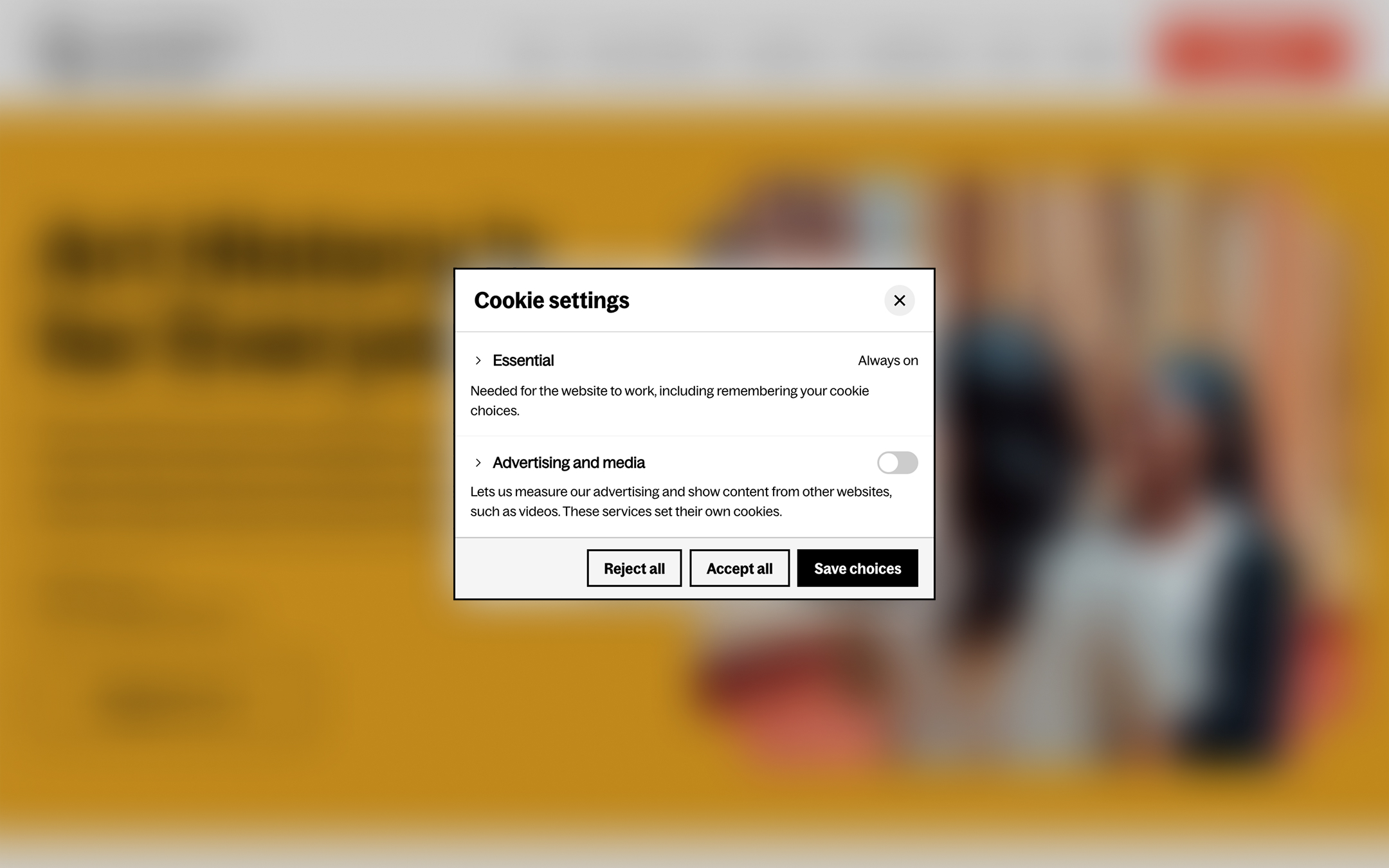
Consent Pro’s banner and preferences panel are built from normal Webflow elements, so we design them like any other part of your site. They use your fonts, buttons, layout and animation, and they sit comfortably on mobile without covering your content or calls to action.
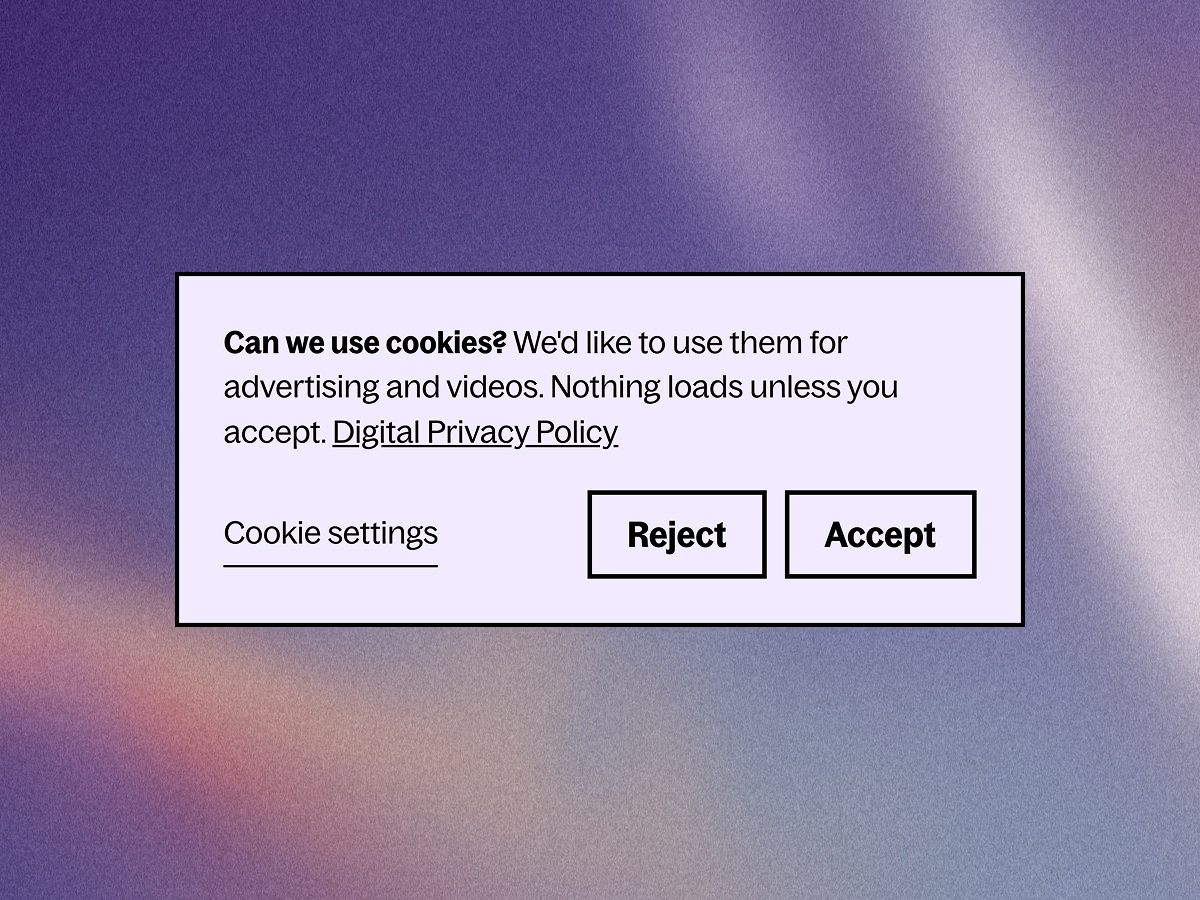
Accept and Reject get equal weight, as the ICO expects, with one plain line on what visitors are agreeing to and a Cookie settings link for the detail. We also make the banner fit around newsletter sign-ups, booking engines and other pop-ups, so visitors don’t get two at once.
Because it’s built in Webflow, your team can change the wording later without a developer.

Keep your conversion tracking working
Set up properly, cookie consent doesn’t break your tracking. Google Analytics, Meta and LinkedIn keep recording every visitor who accepts, and nothing is counted twice.
In Webflow, tracking can be added in four places: the Integrations panel, custom code in site settings, Google Tag Manager and embeds on individual pages. Each one has to be found and connected to the right consent choice.
On a recent project for a UK charity, the marketing team asked us to add a Meta pixel for a campaign. The pixel was already installed across the site through Webflow’s Integrations panel, so adding the new snippet would have counted visits twice. We connected the existing pixel to Consent Pro instead.
If you use Google Tag Manager, consent is set inside Tag Manager using Consent Pro’s template, with Google Consent Mode v2 in one of two modes:
- Basic. Google tags wait until the visitor accepts.
- Advanced. Google receives cookieless signals before consent, so it can model conversions from visitors who reject.
Either way, you’ll only get full data from visitors who accept. Consent Pro Premium’s consent analytics shows you that accept rate.
Make videos, maps and embeds wait for consent
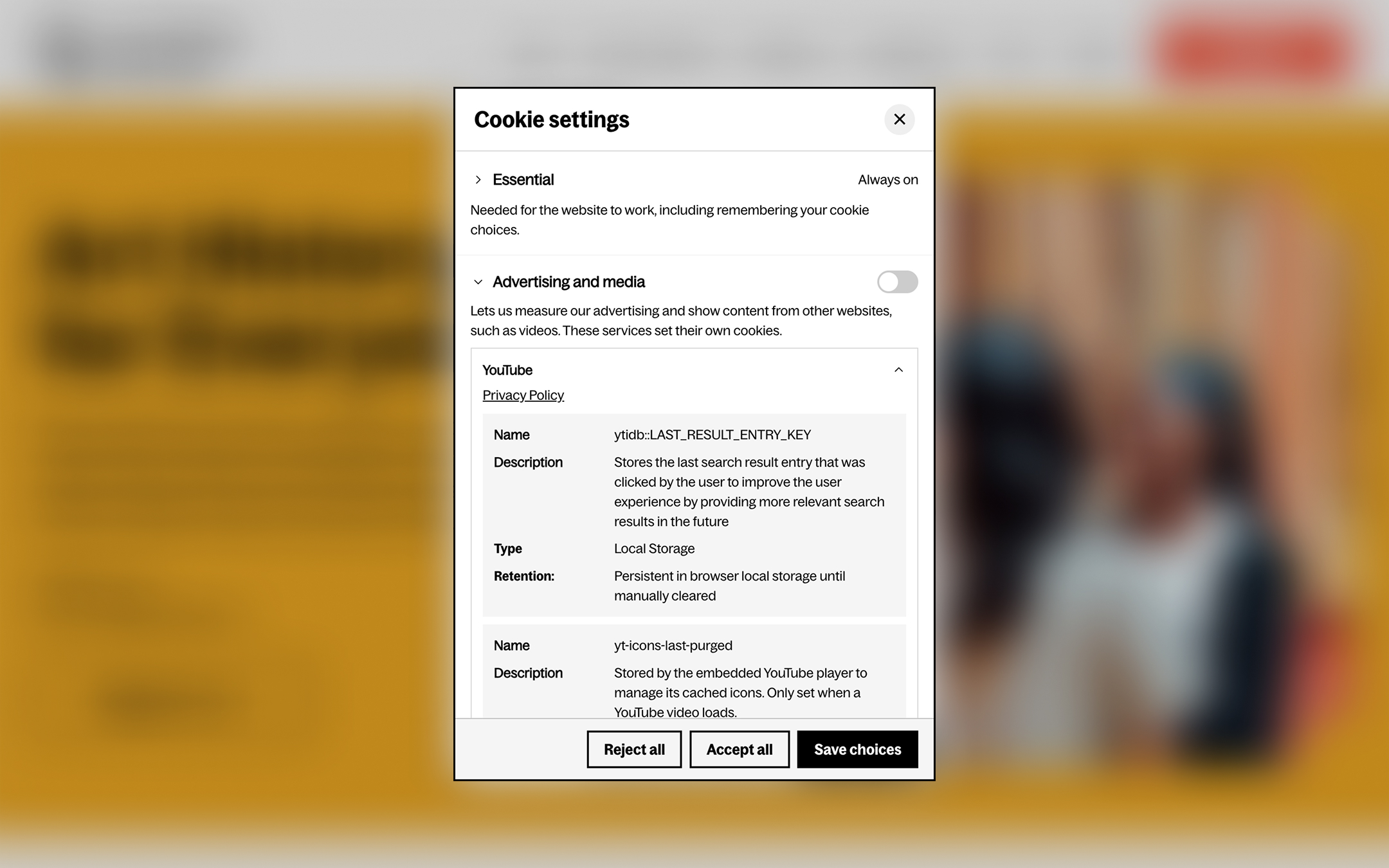
YouTube, Vimeo, Google Maps and booking widgets can set cookies as soon as they load, so they need to wait for consent too.
Consent Pro recognises Webflow’s own video and map elements. Custom embeds may need a manual rule, which we add during setup.
A placeholder keeps the page looking finished. On the charity’s homepage, visitors see the film’s poster and a short note explaining why it hasn’t loaded, until they accept. We also check that forms and anything else visitors need still work before consent.
Check it works before you launch
A banner appearing doesn’t prove it works. We test the published site, not the Designer, in four situations:
- Before the visitor makes any choice.
- After they click Reject.
- After they click Accept.
- After they change their mind using the Cookie settings link in the footer.
We also check anything that loads later, such as pop-ups and embeds further down the page. For the charity, the Meta pixel stayed off before a choice and after Reject, and fired only after Accept. Their campaign manager checked it before launch.
After launch, Consent Pro Premium’s scheduled scans keep checking for new tools as your site changes.
Let us set it up for you
We’ll handle your Webflow cookie consent from start to finish, for one fixed price. We find every tool that sets cookies on your site, design a bespoke banner and preferences panel in Webflow, install Consent Pro, connect your tracking and embeds, and test every choice on the live site. When we hand over, there’s a Cookie settings link in your footer so visitors can change their mind at any time.
The price depends on how many scripts need blocking, how much testing is needed and how custom the banner is, for example if it has to fit around a booking engine or other pop-ups. We’ll quote within one working day.
You buy Consent Pro Premium directly through our link, with its 14-day money-back guarantee. Our fee is separate.
Get in touch and we’ll take it from there.

More from Spurwing
Frequently asked questions
Quick answers on this topic. Can’t see yours? Ask your own question.
Does Webflow have a built-in cookie banner?
No. Webflow lets you choose whether its own analytics track visitors by default or wait for them to opt in, but it doesn’t show a cookie banner. It also doesn’t control Google Analytics, Meta, LinkedIn or YouTube. You need a cookie consent tool such as Consent Pro.
What’s the best cookie consent tool for Webflow?
Consent Pro Premium is the best cookie consent tool for Webflow. It’s built in Webflow by Finsweet, costs $249 as a one-off licence with no traffic limits, and includes automatic script blocking, scheduled scans and Google Consent Mode v2. It also comes with a 14-day money-back guarantee.
What happened to Finsweet Cookie Consent?
Finsweet replaced Finsweet Cookie Consent with Consent Pro, which is built and supported by the same team. Consent Pro adds automatic script blocking, full-site scans, consent records and Google Consent Mode v2. Sites still on the old tool should move across, and we can handle the move.
Is Webflow GDPR compliant?
Webflow has its own data protection terms as a platform, but whether your site complies depends on what you add to it. For cookies, that means non-essential tools don’t load until visitors agree, and rejecting is as easy as accepting. We’re not lawyers, so check your privacy policy with your adviser.
Will a cookie banner affect our Google Analytics and conversion tracking?
Yes, you’ll only get full data from visitors who accept. Google Consent Mode v2 in Advanced mode lets Google model conversions from visitors who reject. Set up properly, tracking keeps working for everyone who accepts and no visits are counted twice.
Does Consent Pro work with Google Consent Mode v2?
Yes. Consent Pro supports Google Consent Mode v2 through its Google Tag Manager template, on both Basic and Premium plans. It works in Basic mode, where Google tags wait for consent, or Advanced mode, where Google receives cookieless signals before consent.
Does the Meta pixel in Webflow’s integrations wait for consent?
Not on its own. A Meta pixel added through Webflow’s Integrations panel needs connecting to your cookie consent tool and testing on the live site. Check it isn’t also installed in custom code or Google Tag Manager, or visits will be counted twice.
Is there a free cookie banner for Webflow?
Yes. CookieYes, CookieHub, CookieScript, Termly and CIVIC Cookie Control all have free plans. They usually limit traffic, show the provider’s logo and offer fewer design options. Consent Pro is free on webflow.io staging sites but needs a paid licence on your live domain.
Is Consent Pro Premium worth it over Basic?
For most businesses, yes. Premium costs $249 as a one-off, $50 more than Basic, and adds scheduled scans, consent analytics and geolocation. Basic scans your site once at setup, while Premium re-scans weekly, monthly or on dates you choose. Both plans come with a 14-day money-back guarantee.


